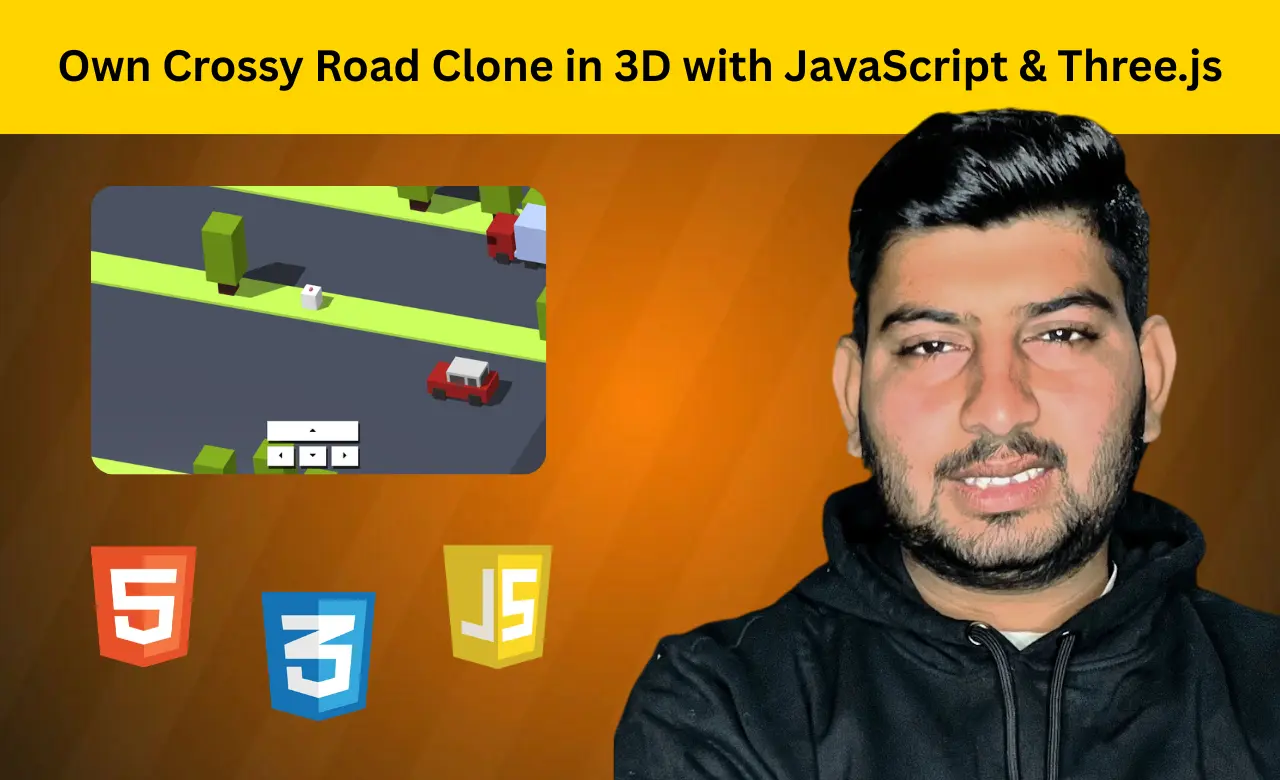
Introduction
Crossy Road is one of those games that's easy to play but surprisingly difficult to master. The idea is
simple: keep moving forward, avoid obstacles, and try to beat your previous score. But recreating that
experience in the browser involves much more than moving a character from one lane to another.
This project uses HTML, CSS, JavaScript, and Three-js to build a 3D version of the classic arcade game.
Along the way, it brings together player controls, moving traffic, randomly generated lanes, and
collision detection to create a game that's both fun to play and rewarding to build.
If you're looking for a JavaScript project that goes beyond the usual beginner tutorials, this Crossy
Road clone is a great choice.
Features of the Game
- 3D Crossy Road-style gameplay
- Built using Three-js
- Randomly generated lanes
- Cars and trucks with different speeds
- Forest areas with tree obstacles
- Keyboard controls
- Mobile-friendly control buttons
- Score counter based on progress
- Retry option after losing
Simple concept. Lots of chaos.
HTML: Setting Up the Interface
The HTML for this project stays surprisingly small.
There are no roads, cars, or chickens
hardcoded into the page. Instead, HTML only handles the parts players interact with directly.
<div id="counter">0</div>
<div id="controlls">
  <div>
    <button id="forward"></button>
    <button id="left"></button>
    <button id="backward"></button>
    <button id="right"></button>
  </div>
</div>

<div id="end">
  <button id="retry">Retry</button>
</div>
the control buttons make the game playable on mobile devices,
and the retry button appears after the game ends.
Everything else is created dynamically through
JavaScript and Three-js.
CSS: Giving the Game an Arcade Feel
A game can work perfectly, but if it doesn't look appealing, people won't stay around for long.
The styling focuses on creating a retro arcade vibe that matches the playful nature of Crossy Road.
body {
  margin: 0;
  font-family: "Press Start 2P", cursive;
  font-size: 2em;
  color: white;
}
#counter {
  position: absolute;
  top: 20px;
  right: 20px;
}
#end {
  position: absolute;
  min-width: 100%;
  min-height: 100%;
  visibility: hidden;
}
The pixel-style font instantly gives the game an old-school look. The score always remains visible, while
the retry screen only appears when things don't go according to plan.
It may seem like a small
detail, but good presentation makes browser games feel much more polished.
JavaScript: Where the Chicken Earns Its Confidence
This is where the project really comes to life.
Building a Chicken From Simple Shapes
Instead of importing a complicated 3D model, the chicken is created using basic geometry.
function Chicken() {
const chicken = new THREE.Group();
const body = new THREE.Mesh(
new THREE.BoxBufferGeometry(
chickenSize * zoom,
chickenSize * zoom,
20 * zoom
),
new THREE.MeshPhongMaterial({ color: 0xffffff, flatShading: true })
);
body.position.z = 10 * zoom;
chicken.add(body);
return chicken;
}
It's surprising how far a few simple shapes can go. Somehow, a collection of boxes becomes the star of the game.
Creating a World That Keeps Changing
Playing the exact same map over and over would get boring pretty quickly.
Instead, the game
generates lanes automatically.
const generateLanes = () =>
  [-9, -8, -7, -6, -5, -4, -3, -2, -1, 0, 1, 2, 3, 4, 5, 6, 7, 8, 9]
    .map((index) => {
      const lane = new Lane(index);
      lane.mesh.position.y = index * positionWidth * zoom;
      scene.add(lane.mesh);
      return lane;
    })
    .filter((lane) => lane.index >= 0);
Some lanes become busy roads filled with moving vehicles, while others turn into forests packed with
trees.
The player never really knows what's coming next, which is probably why "just one more
game" turns into several more attempts.
Teaching the Chicken How to Move
A Crossy Road clone without movement wouldn't be much fun.
The game listens for keyboard input
and moves the player accordingly.
window.addEventListener("keydown", (event) => {
  if (event.keyCode == "38") move("forward");
  else if (event.keyCode == "40") move("backward");
  else if (event.keyCode == "37") move("left");
  else if (event.keyCode == "39") move("right");
});
It sounds easy enough. Until panic kicks in and the chicken confidently hops directly into traffic. At that point, it becomes less of a coding problem and more of a decision-making problem.
How the Game Works
This game was created using JavaScript, which controls the game's objects, such as turning left or right.
The 3D animations and design are created using Three.js, which makes this game beautiful.
When a user starts playing the game, they can control it using a keyboard or mobile device. As they
progress, they encounter new challenges created using JavaScript, which automatically change the design.
In this game, JavaScript updates the user's game
If a user collides with a car or bus while crossing the road, they are eliminated, their scores are
lost, and the game resets. All of this is done with the help of JavaScript. It is tracked by hitting
which the JavaScript condition fails and the game stops
Conclusion
Building this Crossy Road clone is a fun way to explore game development with JavaScript and Three-js. From handling player movement to avoiding traffic, each feature adds something new to learn. Along the way, you'll work with 3D objects, procedural generation, player controls, and gameplay logic. More importantly, you'll build a project that's genuinely fun to test and improve. By the end of the project, you'll have more than just practice code. you'll have a fully playable game built from scratch.
FAQs
1. Can I build a 3D game using JavaScript?
Answer: Yes, you can create 3D and 2D games using JavaScript that will run well in the browser. You can also use libraries like Three.js.
2. What is Three.js used for?
Answer: It is mainly used by graphic designers to create attractive animations and designs, and game developers use it for concept design and animation.
3. Is this Crossy Road clone suitable for beginners?
Answer: Yes, because it is developed for beginners only. It uses basic JavaScript concepts which makes its code very easy to understand like functions, event listeners, and JavaScript objects etc.
4. How does the player move in the game?
Answer: If the player is playing the game on a laptop or computer, he can move around the game using the keyboard, and if he is playing on a mobile device, he can move around using the touch of the mobile.
5. Can I add more features to this game?
Answer: Yes, you can edit and change this game according to your liking, like you can change the design of the game, dolor animation, add different effect function creativity, which will make the game even better.
Source CodeRelated Article:
Chess Game Using HTML, CSS, PythonCandy Crush Game Using HTML, CSS, and JavaScript