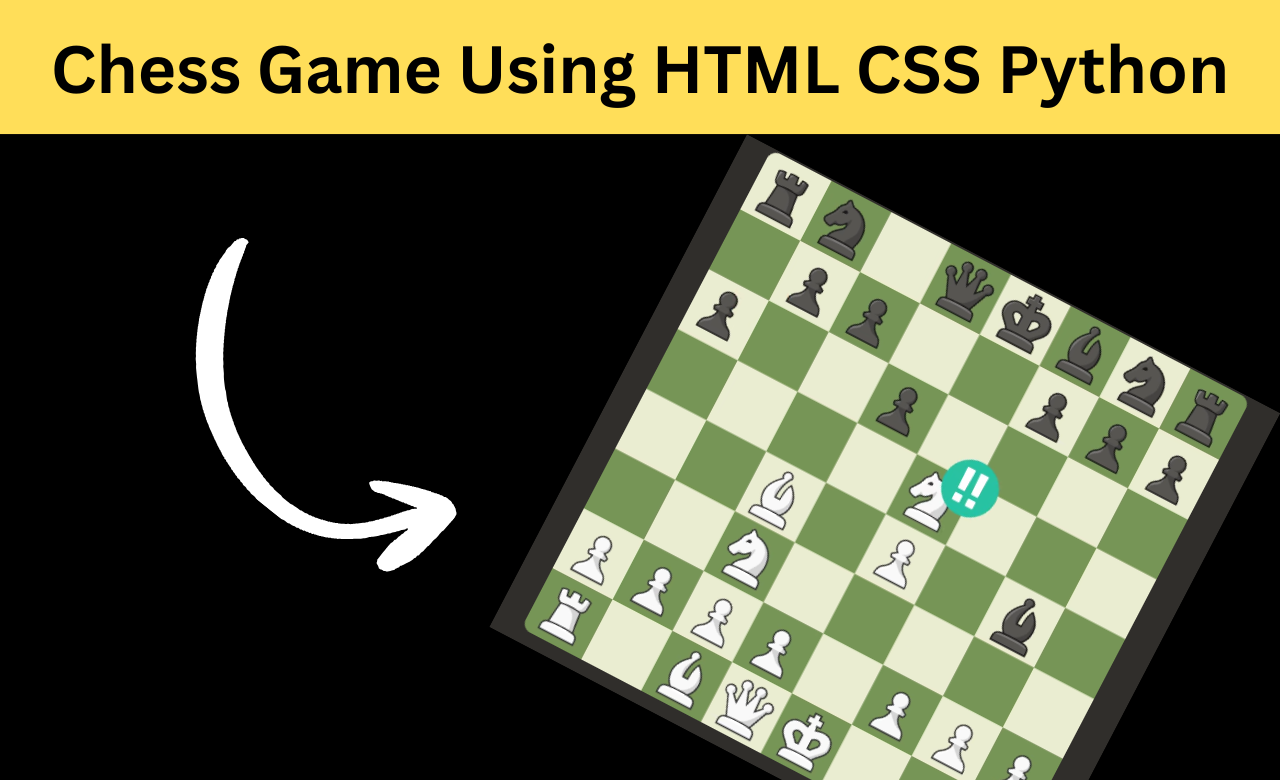
Introduction
Chess is one of the most popular strategy games in the world. Building a chess game is a great way to
improve both frontend and backend development skills because it combines user interaction, game logic,
APIs, and artificial intelligence in a single project.
In this project, we will create KnightFall Chess, a premium chess game using HTML, CSS, JavaScript, and
Python Flask. The application includes complete chess rules, an AI-powered computer opponent, move
history tracking, captured pieces display, sound effects, score persistence, and a fully responsive
design.
Features:
- Complete chess gameplay
- Friend Mode and Computer Mode
- Minimax AI with Alpha-Beta Pruning
- Legal move validation
- Castling, En Passant, and Pawn Promotion
- Check, Checkmate, and Stalemate detection
- Undo move functionality
- Move history tracking
- Captured pieces display
- LocalStorage score persistence
- Web Audio API sound effects
- Fully responsive premium design
Technologies Used
- HTML5
- CSS3
- JavaScript (ES6)
- Python
- Flask
How the Project Works
The project follows a client-server architecture. The frontend is built using HTML, CSS, and JavaScript,
while the backend is built with Python Flask.
When a player selects and moves a piece, JavaScript
sends the move information to the Flask backend. The backend checks whether the move is legal, updates
the game state, and returns the updated board data. This ensures that all chess rules are enforced
correctly and prevents invalid moves.
Creating the Chess Engine
The chess engine is the core part of the application. It manages the board position, player turns, move
history, captured pieces, castling rights, and other important game information.
A new game
state is created whenever a match starts.
    return {
        "turn": "white",
        "move_history": []
    }
Keeping all game information in a single state object makes it easier to update and manage the game throughout the match.
Handling Moves with Flask
The backend uses Flask routes to process game actions.
 @app.route('/api/move', methods=['POST'])
def make_move():
Whenever a player makes a move, the backend validates it, updates the board, and sends the latest game
state back to the frontend.
This approach keeps the game logic secure and ensures that every
move follows official chess rules.
Implementing Chess Rules
One of the most challenging parts of building a chess game is handling special moves and rule validation.
Before applying a move, the backend checks whether the move is legal.
moves = get_legal_moves_for_square(state, row, col)The engine also supports important chess mechanics such as:
Castling
The game checks whether the king and rook have moved before allowing castling.
En Passant
Special pawn captures are tracked and validated according to chess rules.
Pawn Promotion
When a pawn reaches the final rank, the player can promote it to a stronger piece. These features make the game behave like a real chess match.
Building the Computer AI
One of the most interesting features of the project is the computer opponent. The AI uses the Minimax Algorithm along with Alpha-Beta Pruning to find the best possible move.
function minimax(state, depth, alpha, beta, isMaximizing)Minimax evaluates possible future positions, while Alpha-Beta Pruning removes unnecessary calculations to improve performance.
The AI also evaluates board positions, piece values, and strategic advantages before selecting a move, making gameplay more challenging and realistic.
Rendering the Chess Board
JavaScript is responsible for displaying and updating the board.
function renderBoard() {
   // Render board and pieces
}
Whenever a move is made, the board updates instantly without refreshing the page.
The interface also highlights:
- Selected squares
- Legal moves
- Previous moves
- Check positions
These visual indicators improve the overall playing experience.
Move History and Captured Pieces
The game keeps track of every move made during the match.
A move history panel allows players to review previous moves, while a captured pieces section displays
removed pieces for both players.
The application also calculates material advantage, helping
players quickly understand who has the stronger position.
Saving Scores and Playing Sounds
The project stores player scores using LocalStorage.
localStorage.setItem(
   "knightfall_scores",
   JSON.stringify(scores)
);
This allows scores to remain available even after refreshing the browser.
To improve the user experience, the game also uses the Web Audio API to generate sounds for moves, captures, checks, and game-over events.
Creating a Premium User Interface
The user interface is designed with a premium dark theme and elegant gold accents.
The CSS styling includes:
- Animated landing page
- Modern chess board design
- Move history panel
- Promotion popup
- Game over modal
- Responsive layouts
CSS Grid, Flexbox, animations, and media queries are used to create a smooth experience across desktops, tablets, and mobile devices.
How to Run the Project
Any new developer faces difficulty in running the project. When they try to run it, they have to face many problems due to which they are not able to run it. If you want to run this project, then you have to follow the steps given below step by step, due to which your project will run smoothly.
Steps to run the project: Before going through the steps, you need to download the project code to your system. After that, you need to unzip the zip file and open it in your code editor.
Step 1: Install Python
When we run HTML projects, they run easily, but when you run Python projects, you have to setup them. You need to install Python software on your system, otherwise your project will not run. You can download Python from its official website and use it. Installing it is easy. After that, you have to close your code editor, open it again, and run the command given below, which will let you know that Python is not installed.
"python --version"Step 2: Install Flask
Then second comes Flask which is your Python framework which needs to be installed, so now we will install all the important dependencies, you have to paste the below command in the terminal of your code editor and run it, it will be installed in a few seconds.
"pip install flask"Along with this, you have to install one more dependency which is very important, if you have problem in installing any dependency or do not install it then your project will not run.
pip install -r requirements.txt
Step 3: Run the Application
If you have installed all the required frameworks and they have been installed without any error then it is a very good thing for you, now you can run your project without any problem, you have to write python with your file name in the terminal and run it, due to which your project will run in localhost.
python filename.pyConclusion
KnightFall Chess is a complete full-stack chess application built using HTML, CSS, JavaScript, and Python Flask. The project combines a responsive frontend with a powerful backend chess engine to create a professional gaming experience. Features such as legal move validation, special chess rules, AI-powered gameplay, move history tracking, score persistence, sound effects, and responsive design make this project an excellent example of modern web development and game programming. It is a great project for developers who want to learn how frontend technologies, backend APIs, and artificial intelligence work together in a real-world application.
FAQs
1. Which technologies are used to build this chess game?
Answer: To create this game, I have used Python and Flask framework along with HTML, CSS, JavaScript, in which Python does the backend work and JavaScript and HTML CSS do the frontend work.
2. Does this chess game support playing against a computer?
Answer: Yes, this game supports it. You can play it manually in which there will be one player in front and if you want, you can also play with the computer in which there is everything like move etc.
3. Does the project support official chess rules?
Answer: Yes it works perfectly, checks moving properly, smoothing everything.
4. Can I customize this chess game?
Answer: Yes, if you're a developer, you can easily modify it, redesign or customize the game's interface, including adding new game modes or color themes.