Introduction
Friends, in today's blog we are going to look at some such tools which will make your daily life a lot easier, from graphic design to website design, often we want to learn things, it can be anything like website design, but the problem is that because all the tools are paid, a normal student is not able to learn, if he tries to learn then he has to face a lot of problems, that is why we need free tools, today the tools that I am going to share with you have both free and paid in them, in which you can use both according to your own, if you are a beginner then you can learn first if If you feel you should consider a paid plan, you can. Many tools require you to first subscribe to a paid plan to gain access to the tools.
But you can use these tools as per your convenience and switch between plans. If you learn to use them correctly, you can easily become an expert in your field. Now, we'll explain each tool step by step and compare the paid and free plans in a table to help you understand what you should and shouldn't do.
Best Free Website Design Tools
1. Canva
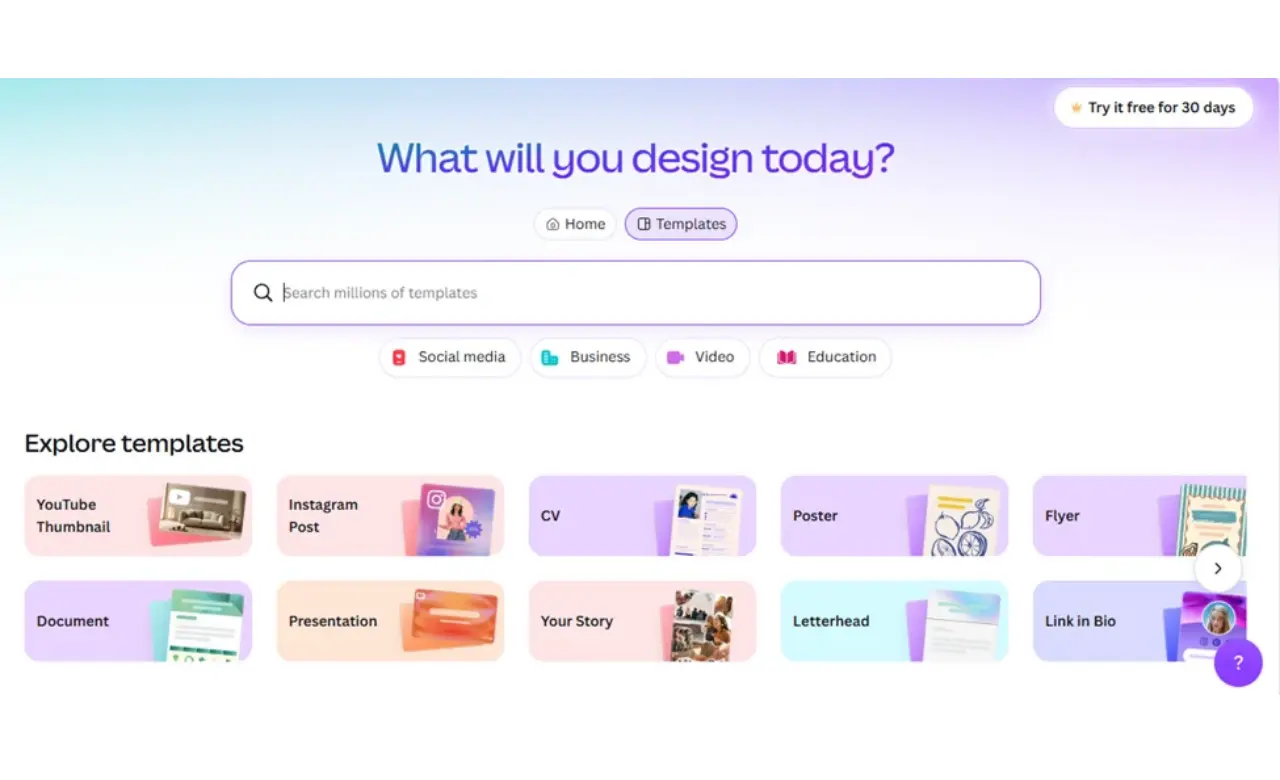
Our first tool is going to be Canva. It is the easiest and best tool which is also very popular. In this you can make posters, post for Instagram or edit them. You can do any work in this. It is popular because it is very easy to use. If any uninformed user uses it, then he can also learn to use it in a few minutes. In this you can make a design for the website, make a thumbnail for YouTube or edit a document. This tool does every work. In this you get two plans, one free and one paid, but its free plan also has so many features that You don't need to buy a paid plan if you're a student or want to learn design. You can use the free plan and also check out the paid plan's trail to see how it performs.
| Feature | Free Plan | Paid Plan |
|---|---|---|
| Cost | Free | Subscription required |
| Templates | Free templates | Additional premium templates |
| Photos and Graphics | Free /assets | More premium /assets |
| Background Remover | Limited or unavailable | Available on eligible paid plans |
| AI Tools | Limited usage | Higher usage limits and multiple tools |
| Cloud Storage | 5 GB | More storage, depending on plan |
| Best For | Students and beginners | Creators and professionals |
2. Figma
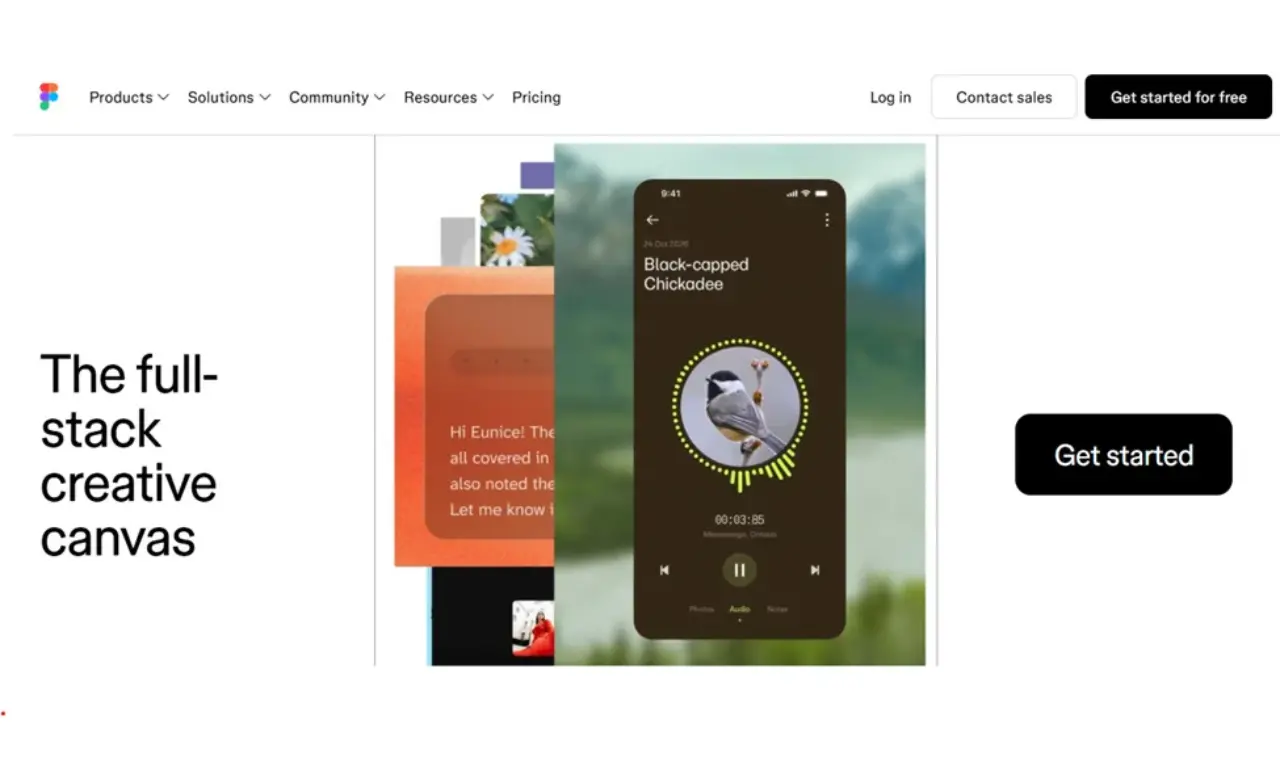
If you are a web developer, you must know how a website is made. If you are not a web developer or are
learning, then let me tell you that when we go to create a website, we first have to create a design for
it. For example, to build a house, its structure has to be prepared. Similarly, for a website, first of
all a design has to be created, which is very important. If you create a website directly, then you will
have to stop again and again and understand the design and create it, which becomes a very big process.
Now what happens is that you create the design of the website but do not get the right tool. Yes, but
there is a tool which is used only for website designing, you might have heard its name, its name is
Figma, which is most famous for website designing and it is easy for that too, in this you can only
create the design of the website,
now many people get confused that creating a design in this
means your website is hosted or live, let me make it clear to you, website designing means preparing the
structure of the website, in which nothing less can be done, it is just a draft design, looking at which
we create the website by coding, in this tool you can design any type of website If you are a beginner
then you should definitely use this so that you will get to know how the actual website design is done
and you also get prebuilt templates in it which you can look at and use.
| Feature | Starter (Free) | Professional (Paid) |
|---|---|---|
| Cost | Free | Subscription per seat |
| Design Files | Unlimited drafts; team files are limited | Unlimited files and projects for a team |
| UI/UX Design | Core design tools | Advanced team workflows |
| Prototyping | Basic prototyping | Advanced prototyping features |
| Collaboration | Sharing and limited team editing | Team libraries and advanced collaboration |
| Developer Handoff | Basic inspection for viewers | Advanced Dev Mode features |
| Best For | Learning and personal projects | Professional design teams |
3. Wix
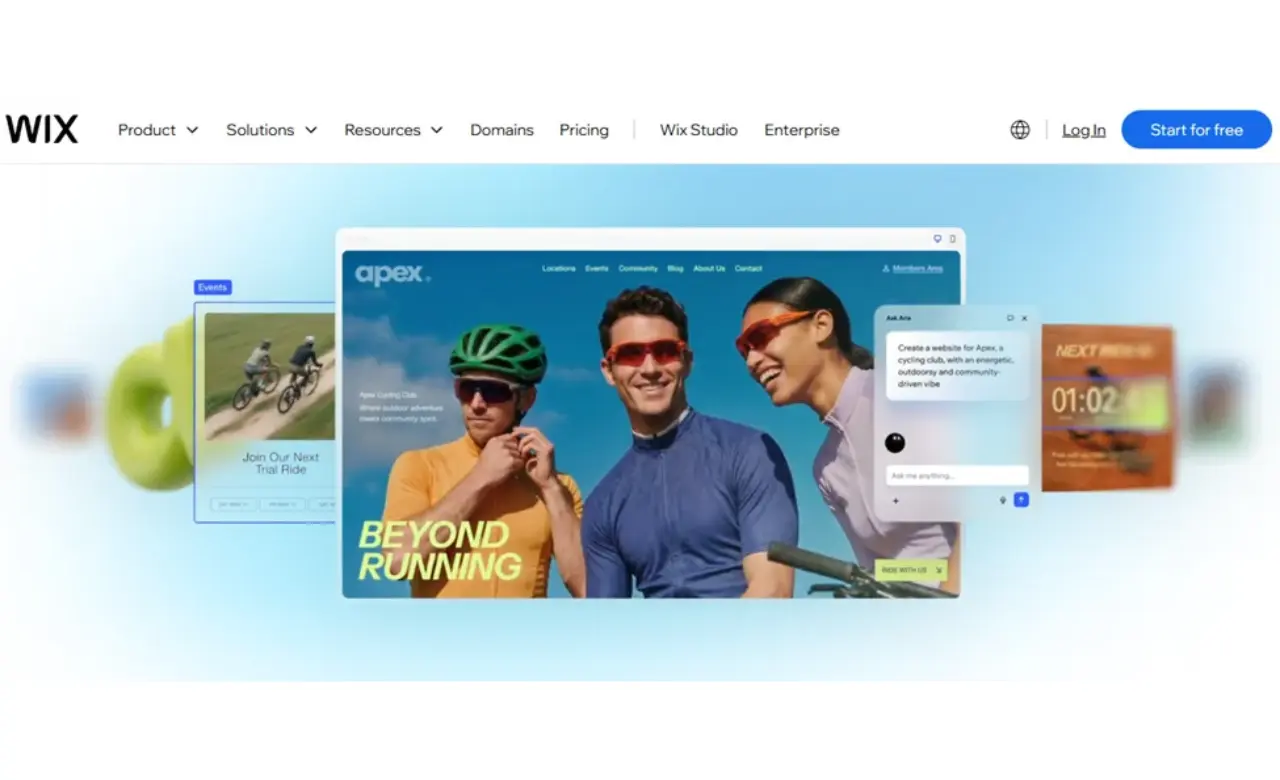
This tool is for those people who want to create a website but do not want to put in much effort. With the help of this tool, you can create a good website by simple drag and drop. If you have created a website before, then you will have an idea that there is a tool named WordPress in which you can create a website by drag and drop in the same way and this tool is also similar to it, but in this you can also create animated web pages of agency level. If you want to create a portfolio, then you can easily create it with this. Simply drag and drop the components, anyone can do this. This is for those who want to learn how to create a website. It's easy to create a website, but you don't know how to code. If you try to create a website using coding, it becomes a very long process. You may encounter errors, but you don't face any such problems with it. The best thing is that you can use it for free, and it doesn't cost anything.
It also offers templates that you can use. You can edit portfolio templates as per your needs and publish them. You don't need to buy separate hosting. If you create a website using it, you can publish it as well, but there are limits. You may get this which you will have to be careful about.
| Feature | Free Plan | Paid Plan |
|---|---|---|
| Cost | Free | Subscription required |
| Website Builder | Drag-and-drop editor | Drag-and-drop editor |
| Templates | Free templates | Free templates and plan-dependent features |
| Website Address | Wix-branded address | Connect a custom domain on an eligible plan |
| Wix Branding | Wix branding may appear | Branding removal depends on plan |
| Hosting | Wix hosting included | Wix hosting included |
| Business Features | Limited | Features depend on selected plan |
| Best For | Practice and testing | Publishing a professional website |
4. Framer
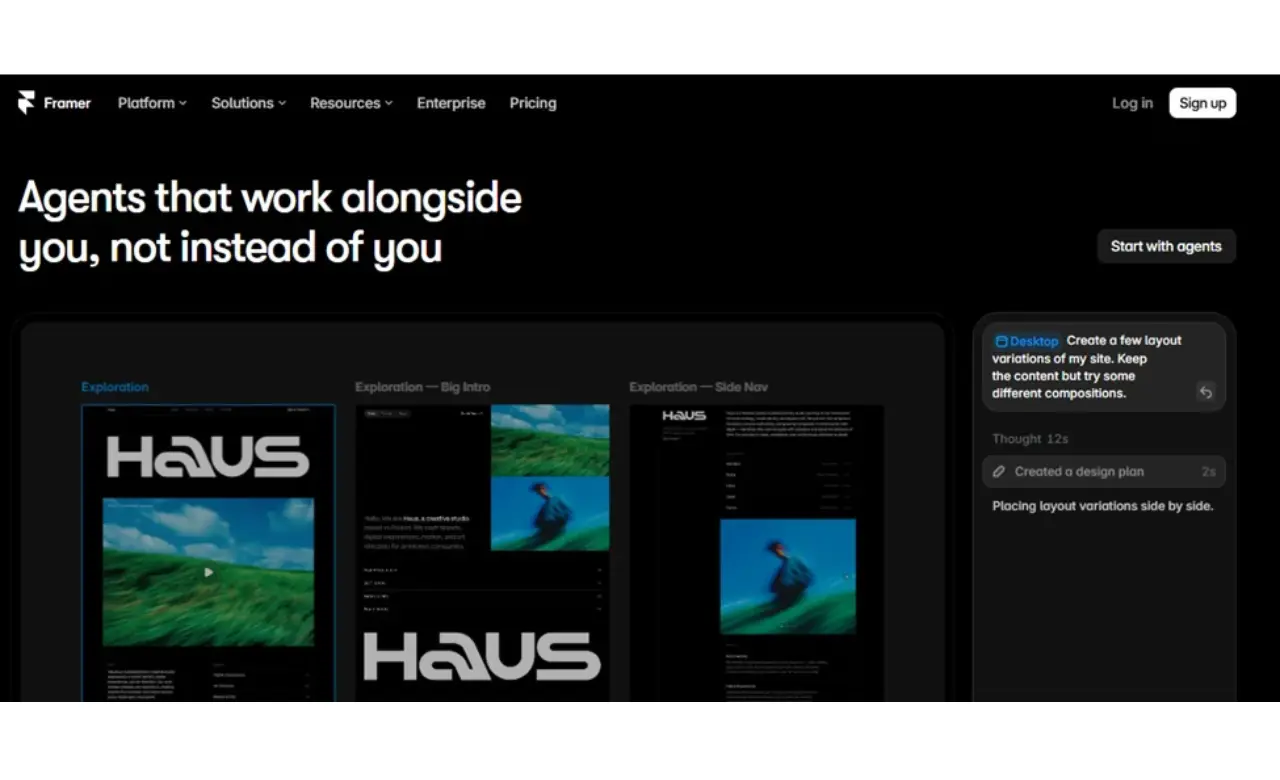
You must have seen many such websites which have animated button UI, such websites are especially of agency companies but we are not able to create such but now you can create it even without coding and even better than that Framer motion tool is known for creating modern landing pages and it is considered to be quite popular, in this you can create a fully animated website in a few hours whose UI is very good and premium, if you are learning to create such a website for your agency then you should definitely use it, but in this you get two paid free plans in which you can get limited features, you can create your You can do it according to which plan you like to learn, if you are learning then my recommendation would be that you use the free plan.
| Feature | Free Plan | Paid Plan |
|---|---|---|
| Cost | Free | Subscription required |
| Visual Website Design | Available | Available |
| Website Publishing | Free Framer domain | Connect your own domain |
| Hosting Bandwidth | 1 GB | More bandwidth, depending on plan |
| Custom Domain | Not included | Available on eligible plans |
| CMS Collections | Limited availability | Included according to plan limits |
| Advanced Features | Basic features and limits | More CMS capacity and professional features |
| Best For | Learning and testing designs | Professional websites and landing pages |
5. Google Sites
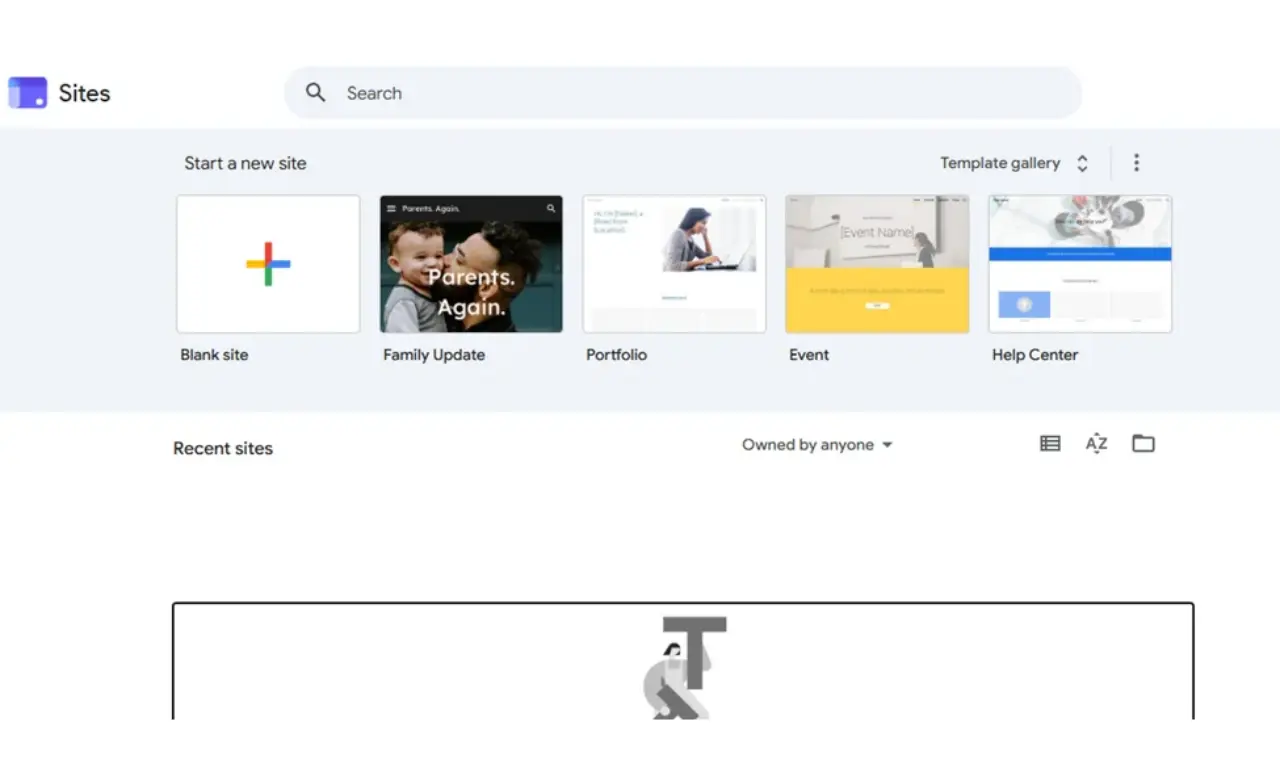
You must have seen such a website online at some point of time which contains only information and some images or such a website which is absolutely normal basics, that website is made in Google Sites, in this you can create and host a website for free, if you want to show normal information to people then you can use Google Sites, you can create a website in it and host it in it, many times schools have to show normal details, you can use it for that also and it is also very easy to create a website in it.
| Feature | Free Google Account | Google Workspace |
|---|---|---|
| Cost | Free | Paid Workspace subscription |
| Website Builder | Included | Included |
| Hosting | Included | Included |
| Templates and Layouts | Basic built-in options | Basic built-in options |
| Google Integrations | Drive, Docs, Forms and more | Workspace integrations |
| Custom Domain | Domain setup may require separate purchase and configuration | Domain is generally purchased separately |
| Business Email | Not included as a custom-domain Workspace mailbox | Available with eligible Workspace plans |
| Best For | Personal pages and school projects | Organizations using Workspace |
How to Choose the Right Website Design Tool
If you want to know which is the best tool for you, then to find out, I would recommend you to login to any tool and use it for a few days, through which you will come to know how much speed it reduces, how is its response, what are its features, whether there are any limits or is it free, because if you use any random tool then there is no benefit in it, but if you use this idea then you will actually know which tool is for you and which is not, you will come to know about any thing or tool only when we use it.
Conclusion
In conclusion, I would like to say that if you are using any tool and you do not know about it, then first you should know about it that how does this tool work, whether you will be able to reduce your skills in it, it should not happen that you are buying a paid plan, then you are not able to understand how to use it, then you may suffer loss in it, hence it is important for you to look about it, if any tool is providing a trail, then you have to use it, from which it will become clear to you whether the tool is suitable for you or not.